
Quick summary
#Submit it with your main application.
When the official instructions indicate this form is required
Include it with your application package and follow official instructions for submission.
Names, dates of birth, and passport details on other forms Program checklist requirements Supporting documents and translations
Overview (What is Form IMM 5475?)
#By allowing personal information to be shared with someone who will not act as a representative, applicants can ensure that trusted individuals are kept in the loop, providing peace of mind throughout the often complex immigration process.
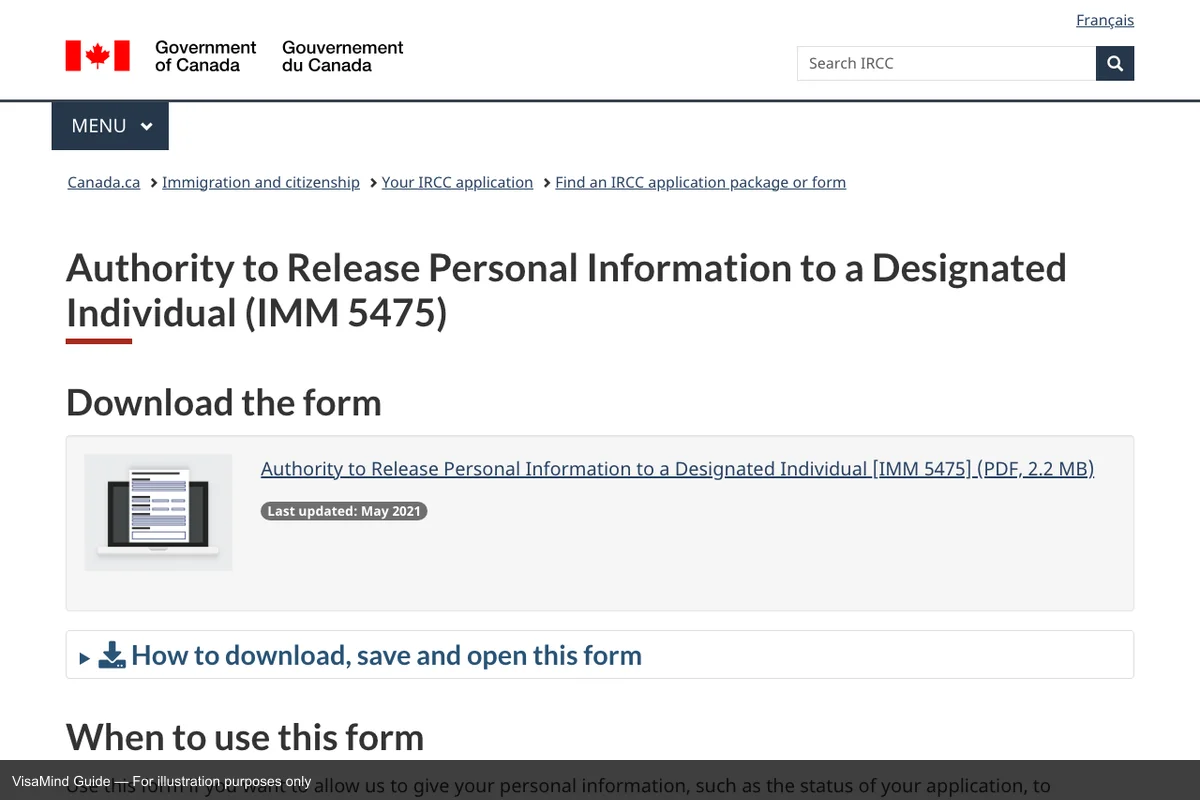
First page of IMM 5475 form
Source: IMM 5475 online portal
Context and workflow
#Processing time for IMM 5475 varies by case type and current workload — always check the official IRCC processing time tool.
Why this matters
- This form acts as a cross-check point: details here must match other forms and supporting documents.
- Inconsistencies often trigger returns or follow-up requests because they create uncertainty in the case record.
Where it fits in the workflow
- This form is typically used when applicants want to ensure someone else can receive information about their immigration application.
- It fits into the process when applicants need to communicate application status to family members or friends.
- IMM 5475 is commonly filed alongside Form IMM-0008, Form IMM-1344.
Who uses it
The IMM 5475 form is used by applicants filing with IRCC to authorize the release of their personal information to a designated individual who will not act as their representative. This form allows the sharing of information, such as the status of an application, with someone else. Ensure you provide your consent by completing all required sections, signing the form, and including it in your application package. If you have already submitted your application, send the form electronically through the Web form.
When it is used
- When the official instructions indicate this form is required
- As part of a complete application package with supporting documents
- Refugee-private-sponsorship — Sponsorship training attendance
- When filing IMM 5475 alongside IMM-0008 (Fee payment)
Failure prevention (What causes Form IMM 5475 rejections?)
#Technical rejections
- Not downloading the form using a computer.
- Ensure form edition is current
Substantive weaknesses
- To avoid incomplete or incorrect information: Double-check all fields and include every required document per instructions.
- To avoid to avoid incomplete or incorrect information: double-check all fields and include every required document per instructions.: Verify: to avoid incomplete or incorrect information: double-check all fields and include every required document per instructions..
- To avoid not downloading the form using a computer.: Downloading the form using a computer..
- To avoid ensure form edition is current: Verify: ensure form edition is current.
- To avoid failure to use a computer to download the form.: Verify: failure to use a computer to download the form..
What you need (What do you need for Form IMM 5475?)
#- The current edition of IMM 5475
- Details matching the main application
- Supporting documents as listed in the checklist
- Required signatures
- Adobe Acrobat Reader version 10 or higher
- Complete all required sections, sign, and submit with required evidence.
- Copy of your filed or approved IMM-0008 (Fee payment)
Checklist (What is the Form IMM 5475 checklist?)
#- Obtain the latest IMM 5475 form and accompanying instructions directly from the official IRCC website.
- Review the official IMM 5475 instructions before filing
- Gather required supporting documents per the instructions
- Complete all required sections of IMM 5475
- Confirm all pages are from the same current IMM 5475 edition
- Sign, date, and submit IMM 5475 with all required supporting evidence
Fees
#There is no IRCC filing fee for Form IMM 5475.
Where to file
#Submit your application at the designated IRCC office, embassy, or consulate. Check the official website for the location with jurisdiction over your place of residence.
File online
Send the form electronically through the Web form if you have already submitted your application.
Filing locations and procedures may change. Always verify on the official IRCC website before submitting. For related guidance, see Generic Application Form for Canada.
Form sections (What sections does Form IMM 5475 have?)
#Personal Details
Applicant identification.
- Full name and date of birth
- Citizenship and passport information
- Contact information and address
Application Details
Program-specific information.
- Category or stream
- Supporting evidence checklist
- Required declarations
Supporting Documents
Required attachments.
- Identity documents
- Program-specific evidence
- Translation and certification if required
Strategy tips
#Mistake severity
#| Mistake type | Severity | How to avoid |
|---|---|---|
| To avoid incomplete or incorrect information: Double-check all fields and include every required document per instructions. | Delay | Verify: to avoid incomplete or incorrect information: double-check all fields and include every required document per instructions.. |
| Not downloading the form using a computer. | Delay | Downloading the form using a computer.. |
| Ensure form edition is current | Delay | Verify: ensure form edition is current. |
| Failure to use a computer to download the form. | Delay | Verify: failure to use a computer to download the form.. |
| Not using Adobe Acrobat Reader version 10 or higher. | Delay | Using Adobe Acrobat Reader version 10 or higher.. |
| Incomplete or incorrect information about the designated individual. | Delay | Verify: incomplete or incorrect information about the designated individual.. |
Examples (What are examples for Form IMM 5475?)
#- Strong application: An applicant submits the form with all required fields filled accurately and receives timely updates through their designated contact.
- Scenario: A student in Canada wants their parent to receive updates about their study permit application. The parent receives timely updates and the student stays informed through them. Designating a trusted individual can help applicants stay informed through indirect communication.
- Weak application: An applicant submits IMM 5475 without using Adobe Acrobat Reader, resulting in a corrupted form that cannot be processed by IRCC.
- An applicant in the Refugee-private-sponsorship category files IMM 5475 as part of their immigration process
Common misconceptions (What misconceptions surround Form IMM 5475?)
#- These forms do not stand alone—they must be filed with the principal application
- Inconsistencies with the main application can result in delays or refusal
- IMM 5475 has no separate filing fee, but it is not optional paperwork — failing to include it when required can delay or jeopardize the underlying case.
- IMM 5475 can be rejected before substantive review for technical errors such as “Not downloading the form using a computer.”
- A complete IMM 5475 can still be denied on the merits — issues like “To avoid incomplete or incorrect information: Double-check all fields and include every r…” are evaluated by the reviewer even when paperwork is clean.
- Submitting IMM 5475 is the start of the process — applicants should expect follow-up steps such as “Acknowledgement of Receipt (AOR) is sent to the applicant.”
Edge cases and variations
#- If you are asked to submit or update IMM 5475, treat it as a package update: check every place the same details appear and keep them consistent.
In-depth guidance
#How to complete this form reliably
Treat IMM 5475 as part of a system, not a standalone document. Most delays happen when details conflict across the form, supporting documents, and other parts of the application package. Before you start, gather the documents you will reference and decide which one is the source of truth for each field.
Fill the form in one sitting if possible. Partially-completed forms are where inconsistent edits creep in. When you finish, review each section and ask "what evidence in my package proves this statement?"
Scenarios
#An applicant completes the form with accurate information and submits all required supporting documents through the IRCC portal or by mail.
Application accepted. Processing begins. Biometrics or medical may be requested.
Use the document checklist for your program. Missing documents delay processing or result in refusal.
An applicant provides inconsistent information between the form and supporting documents.
Application flagged. May receive procedural fairness letter or refusal for misrepresentation.
Ensure consistency across all forms and documents. Dates and names must match exactly.
An applicant submits an outdated form version.
Application returned or rejected. IRCC only accepts current versions. Form dates are on the bottom of each page.
Download forms from the IRCC website. Check the form date before completing.
Key differentiators
#- Unlike Form IMM 0008: Generic Application Form for Canada: Filed together: Fee payment (Consent pathway)
- Unlike Form IMM 1344: Application to Sponsor, Sponsorship Agreement and Undertaking: Filed together: Information release for sponsorship application (Consent pathway)
- Unlike Form IMM 5476: Use of a Representative: Often filed alongside representative authorization (Consent pathway)
Why it matters
#What happens after you submit
#- Acknowledgement of Receipt (AOR) is sent to the applicant.
- The designated individual receives updates about the application status.
- Applicant continues with any additional requirements, such as biometrics if applicable.
- IRCC processes the application and makes a decision.
- The outcome is communicated to both the applicant and the designated individual.
Verification
#This guide is derived from official IRCC instructions for IMM 5475 and is updated when form editions or filing rules change. Always verify current requirements at the official IRCC website.
Resources
#Free Canada planning tools
#Itemize the government fees that go alongside Form IMM 5475.
See which Canada visas your profile fits before you finalize Form IMM 5475.
Get the typical wait time for the visa associated with Form IMM 5475.
Practice Canada interview questions if your filing route includes one.