
Quick summary
#Applicants use IMM 5707 to provide additional information required by their main application, as described in the Form IMM 5707 guide.
When the official instructions indicate this form is required
Include it with your application package and follow official instructions for submission.
Names, dates of birth, and passport details on other forms Program checklist requirements Supporting documents and translations
Overview (What is Form IMM 5707?)
#It is vital to complete this form with precision and care to avoid any potential setbacks in the application process.
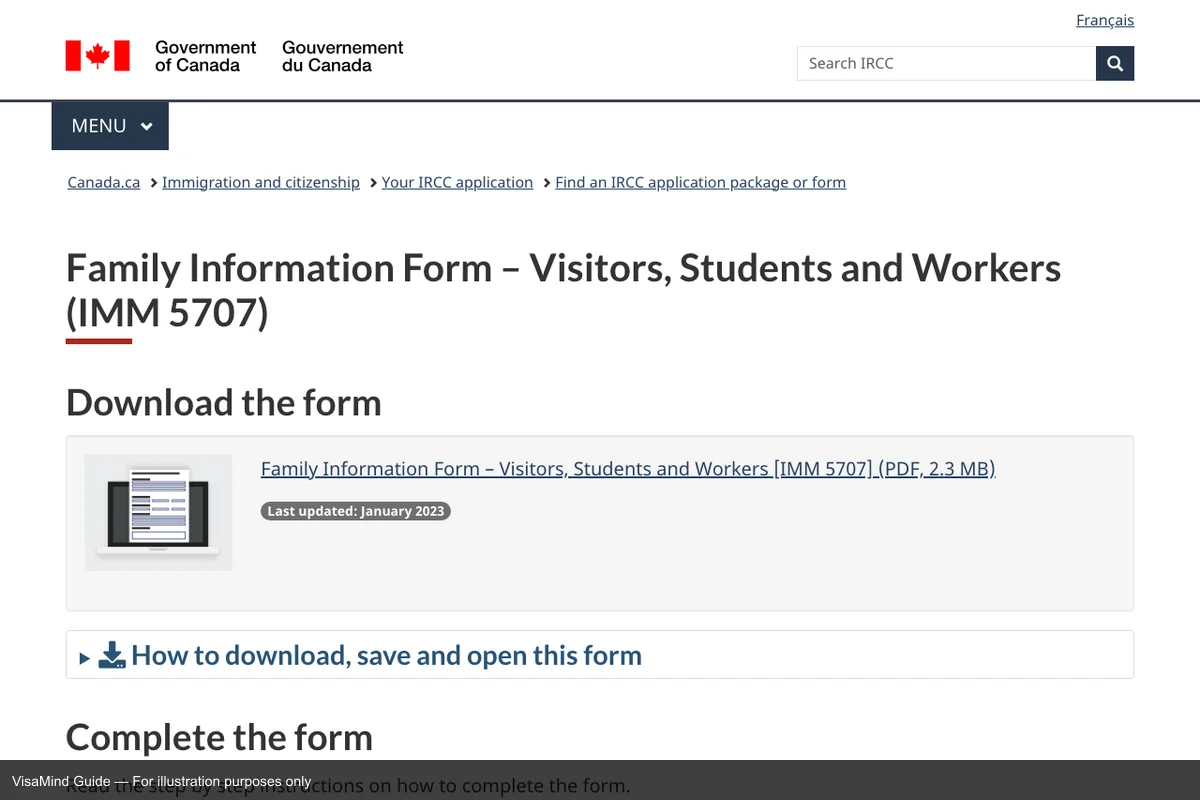
First page of IMM 5707 form
Source: IMM 5707 online portal
Context and workflow
#Initiating the application process for temporary residency, as described in the Temporary Resident Permit (TRP) guide.
Why this matters
- This form helps confirm that the application matches the program’s requirements and checklist.
- This form acts as a cross-check point: details here must match other forms and supporting documents.
Where it fits in the workflow
- Processing time for IMM 5707 varies by case type and current workload — always check the official IRCC processing time tool.
- Initiating the application process for temporary residency.
- Providing essential background information for IRCC's assessment.
- Supporting documents for Temporary Resident Visa, study, or work permit applications.
Who uses it
Applicants use the IMM 5707 to provide supplementary family information required for their main application.
When it is used
- When the official instructions indicate this form is required
- As part of a complete application package with supporting documents
- Trv — Family information for visitor applications
- As an alternative to IMM-5645 — use IMM 5707 when Alternative family information form
Requirements snapshot
#- To gather comprehensive family details of the applicant.
- To ensure that all family-related information is consistent across applications.
Failure prevention (What causes Form IMM 5707 rejections?)
#Technical rejections
- Submitting a handwritten form instead of completing it electronically.
- Omitting signatures or dates, leading to return of the form.
- Ensure form edition is current
Substantive weaknesses
- Discrepancies between this form and other submitted documents.
What it asks for (What does Form IMM 5707 ask for?)
#- Personal details about yourself, your spouse or partner, your parents, and your children.
- Details about children, including adopted and step-children
- Occupation and address information for family members
- Full legal name and any other names used
- Current marital status and relationship details
- Documentation related to: Complete all required sections, sign, and submit with required evidence
Sources for this section
What you need (What do you need for Form IMM 5707?)
#- The current edition of IMM 5707
- Details matching the main application
- Supporting documents as listed in the checklist
- Required signatures
- Complete all required sections, sign, and submit with required evidence.
Checklist (What is the Form IMM 5707 checklist?)
#- Access the latest IMM 5707 form and accompanying instructions directly from the official IRCC website.
- Review the official IMM 5707 instructions before filing
- Gather required supporting documents per the instructions
- Complete all required sections of IMM 5707
- Ensure that you sign and date the IMM 5707 form before submission, and include all necessary supporting documents.
Sources for this section
Fees
#There is no IRCC filing fee for Form IMM 5707.
Where to file
#Submit your application at the designated IRCC office, embassy, or consulate. Check the official website for the location with jurisdiction over your place of residence.
File online
Validate the form electronically if filled out on a computer.
Filing locations and procedures may change. Always verify on the official IRCC website before submitting. For related guidance, see Family Information Form – Visitors, Students.
Form sections (What sections does Form IMM 5707 have?)
#Section A
Complete this section as described in the official instructions.
- Not signing and dating the application form, which will result in it being se...
- Filling out the form by hand and not being able to validate it electronically.
- Failing to provide complete and accurate information, which may lead to delays.
- IRCC verifies this section.
Strategy tips
#Common mistakes (What mistakes are common with Form IMM 5707?)
#- Failing to sign and date the application form will cause it to be returned.
- Filling out the form by hand and not being able to validate it electronically.
- Failing to provide complete and accurate information, which may lead to delays.
Sources for this section
Examples (What are examples for Form IMM 5707?)
#- Strong application: An applicant submits the form with all required documents and receives a timely decision.
- An applicant in the Trv category files IMM 5707 as part of their immigration process
Common misconceptions (What misconceptions surround Form IMM 5707?)
#- These forms do not stand alone—they must be filed with the principal application
- Inconsistencies with the main application can result in delays or refusal
- IMM 5707 has no separate filing fee, but it is not optional paperwork — failing to include it when required can delay or jeopardize the underlying case.
- IMM 5707 can be rejected before substantive review for technical errors such as “Submitting a handwritten form instead of completing it electronically.”
- A complete IMM 5707 can still be denied on the merits — issues like “Discrepancies between this form and other submitted documents” are evaluated by the reviewer even when paperwork is clean.
- Submitting IMM 5707 is the start of the process — applicants should expect follow-up steps such as “Acknowledgement of Receipt (AOR) from IRCC.”
Edge cases and variations
#- If you are asked to submit or update IMM 5707, treat it as a package update: check every place the same details appear and keep them consistent.
In-depth guidance
#How to complete this form reliably
Treat IMM 5707 as part of a system, not a standalone document. Most delays happen when details conflict across the form, supporting documents, and other parts of the application package. Before you start, gather the documents you will reference and decide which one is the source of truth for each field.
Fill the form in one sitting if possible. Partially-completed forms are where inconsistent edits creep in. When you finish, review each section and ask "what evidence in my package proves this statement?"
Scenarios
#A software engineer submitted their petition with all supporting documents
The case was approved within the standard timeline
Prepare all evidence before filing to avoid delays
Key differentiators
#- Unlike IMM 5645 - Family Information Form: IMM 5707 is specifically for visitors, students, and workers applying from outside Canada, whereas IMM 5645 may be used for other purposes.
- Unlike Form IMM 5645: Family Information Form – Visitors, Students and Workers: Alternative option: Alternative family information form (Temporary pathway)
- Unlike Form IMM 0002: Document Checklist: Sponsorship Agreement Holders (SAH): Part of family-based immigration process (Temporary pathway)
Why it matters
#What happens after you submit
#- Acknowledgement of Receipt (AOR) from IRCC.
- Attend biometrics collection appointment, if required.
- IRCC reviews the application and supporting documents.
- Receive decision on the application.
- If approved, receive instructions on next steps for entry to Canada.
Verification
#This guide is based on official IRCC instructions for IMM 5707 and is updated with changes in form editions or filing rules. Always confirm current requirements on the official IRCC website.
Resources
#Free Canada planning tools
#Itemize the government fees that go alongside Form IMM 5707.
See which Canada visas your profile fits before you finalize Form IMM 5707.
Get the typical wait time for the visa associated with Form IMM 5707.
Practice Canada interview questions if your filing route includes one.